Abstract:Without intending to say anything obvious, this series of articles are set for beginners. In other words, if you have never made a single forex trading in your life, you won’t know how to set up a trading account!
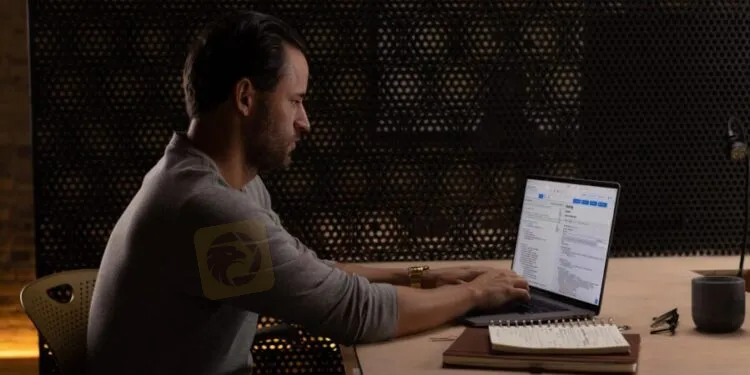
The good news is that the part is very simple and simple, but nevertheless, I compiled a step-by-step guide to get started.
Step 1 – Find a broker.
You need to find a broker that suits your trading style. If you need help, there is an article on how to find it and what to pay attention to. In addition, if there is no time to directly investigate the platform.
Step 2 – Select a transaction account.
Please determine the type of trading account you want to open. Some are small with low minimum trading account balance requirements, and some are for more skilled traders.
Step 3 – Application form.
Now you have to fill out the application form on the broker website. The information required varies, but generally includes a name, address, contact information, and date of birth.
You may also have to talk a little about financial conditions such as monthly income, employment status, and trading experience. Again, each forex broker will be slightly different.
Stage 4 – Confirm your identity
Before you complete the registration of your forexe account, you must prove who you are. Most forex brokers only need a scanned copy of their passport or resident registration card.
Some may require a scanned copy of a utility bill or a letter with your name and residence address. It should generally be within a certain period of time (e.g., within 6 months).
Step 5 – Log in.
Suppose you have received confirmation almost immediately (generally). You can now access your new forex trading account using your login information.
Step 6: Deposit the funds into the transaction account.
You can now deposit funds into the transaction account. The payment methods provided are generally very standard and include: Debit/credit card, bank transfer and electronic wallets such as PayPal and Apple Pay.