Abstract:TradingView has made it easier to change how drawings and indicators are shown at different times. Changes may now be made with a few mouse clicks.
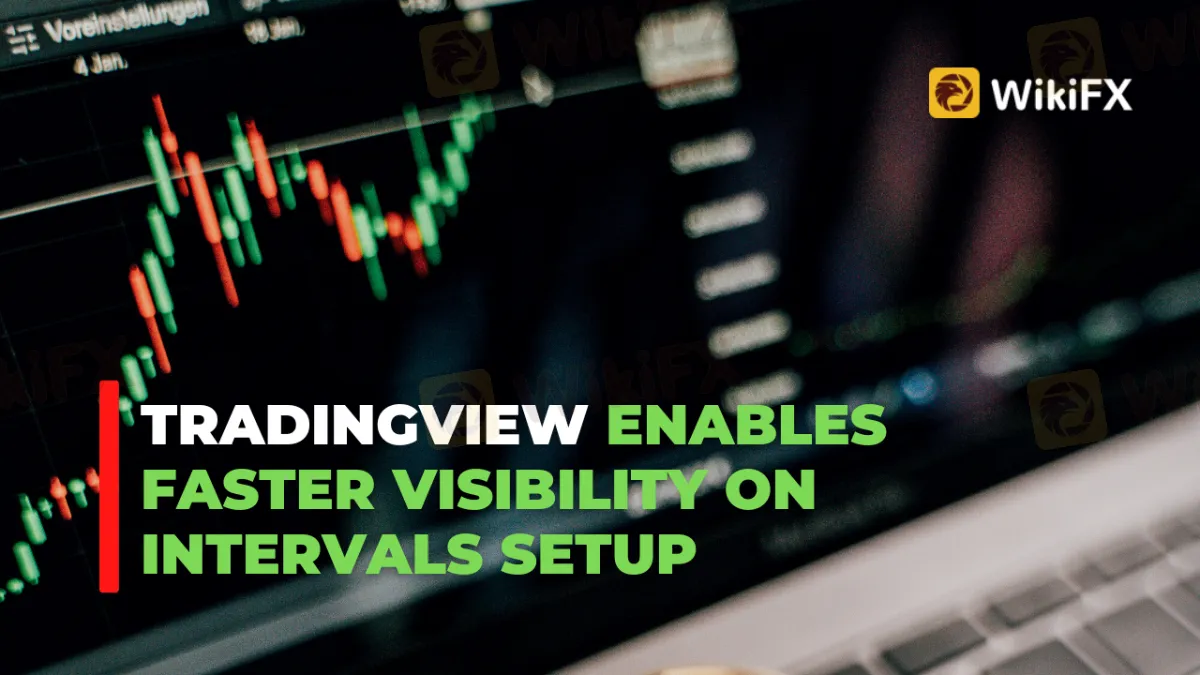
TradingView has made it easier to change how drawings and indicators are shown at different times. Changes may now be made with a few mouse clicks.
 Contents
To do this, you must:
You can open the drawing or indicator's context menu by right-clicking on the element you want to change.
Navigate to the Intervals Visibility menu option.
Choose one of the options for rapid interval visibility.
The chosen option will change the settings on the Visibility tab.
Additional tweaks may be made using the object's settings dialog box if required.
This option may also be changed by clicking on the three dots in the drawing toolbar and the indication legend that floats above the painting.

TradingView constantly improves the platform's functionality. TradingView just updated its Crypto Pairs Screener with two new indicators: “Volume 24h in USD” and “Volume 24h Change%.”
Trading volume is a solid measure of an instrument's liquidity and popularity among investors/traders. The indicator “Volume 24h in USD” displays the total trading volume for this crypto instrument/pair in USD over the previous 24 hours.
Add the “Volume 24h Change%” indicator to your chart to see how the dollar volume has changed. It displays the % change in volume over the past 24 hours, which might indicate market movements.
TradingView debuted its new auto-anchored volume profile in October (AAVP).
It only shows one profile at a time, beginning at an automatically determined point and continuing to the final bar on the chart. When a new period begins, the previous profile is deleted and a new one is created. This allows you to concentrate on recent market action.
About TradingView
TradingView is the most active trading and investment social network. Connect with millions of traders from all around the globe, learn from other investors' experiences, and discuss trading strategies. TradingView's charts are superior to those seen on desktop trading platforms.
Stay tuned for more Forex news.
Download the WikiFX App from the App Store or Google Play Store to stay updated on the latest news.

Disclaimer:
The views in this article only represent the author's personal views, and do not constitute investment advice on this platform. This platform does not guarantee the accuracy, completeness and timeliness of the information in the article, and will not be liable for any loss caused by the use of or reliance on the information in the article.