Abstract:MetaTrader 4 and 5 are well-known trading platforms commonly used in the trading community. But Why are these platforms widely popular among traders and investors?
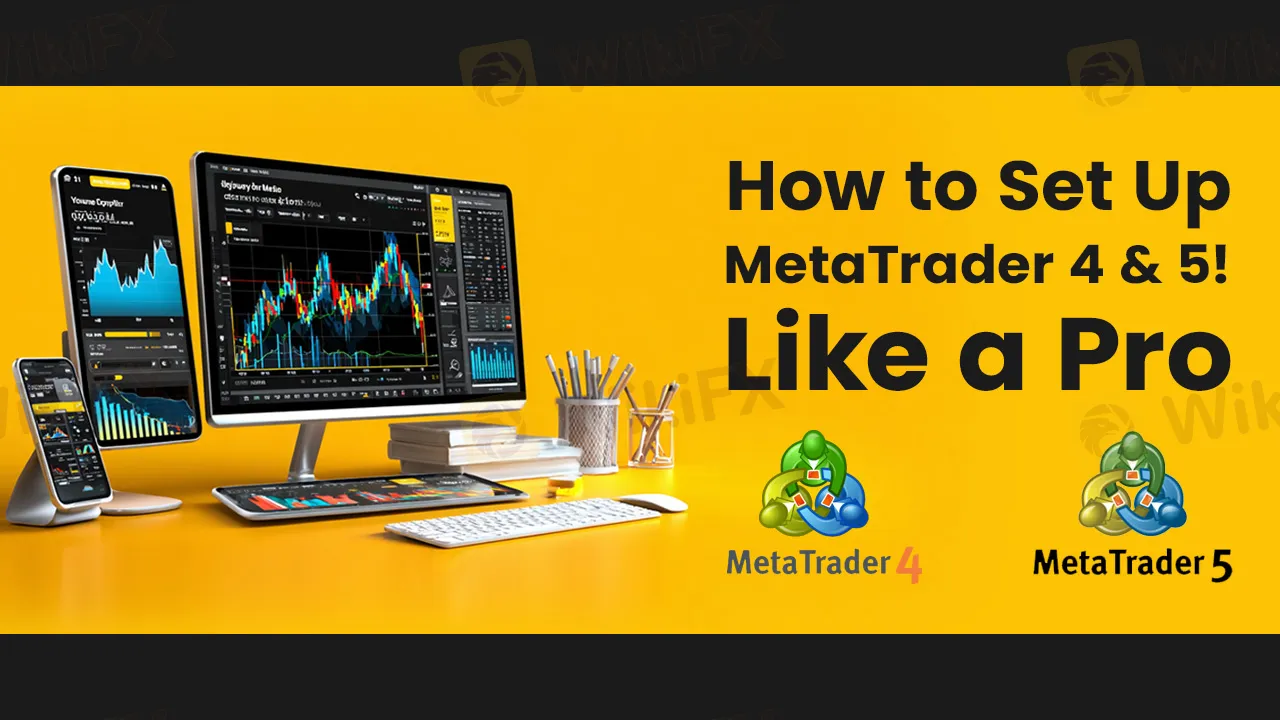
MetaTrader 4 and 5 are well-known trading platforms commonly used in the trading community. MT4 (MetaTrader 4) and MT5 (MetaTrader 5) are two of the most popular trading platforms used by forex and CFD traders around the world. They were developed by a company called MetaQuotes Software.
Features of MT 4 & 5
Why are these two platforms widely popular among traders and investors?
1. User-Friendly
Both MT4 and MT5 have easy-to-use, beginner-friendly platforms, making them ideal for both new and experienced traders.
2. Advanced Charting & Tools
They offer powerful charting tools, multiple timeframes, and hundreds of indicators — perfect for technical analysis.
3. Accessible
MT4 and MT5 run smoothly even on basic internet and older systems, which makes them accessible globally.
4. Security
MetaTrader platforms offer encrypted data and secure login, which builds trust among investors and traders.
5. Multi-Device Access
Available on Windows, macOS, Android, and iOS — so traders can stay connected and trade from anywhere.

Steps to Set up MT 4 & MT5
1. Download MetaTrader 4 or MetaTrader 5.
2. Login to Trade Account
Enter your:
o Account number
o Password
o Server name (provided by your broker)
3. Choose demo or real account what you're using.
4. Use candlestick chart for better visual analysis.
5. Add technical indicators: RSI, MACD, Moving Average, etc.
6. Set timeframes: M1, M5, H1, D1 depending on your trading style.
7. Arrange your charts and windows.
8. Go to: File → Open Data Folder → MQL4 (or MQL5) → Indicators / Experts
9. Enable One-Click Trading
10. Open a demo account and test your setups, indicators, and EAs.
Pro Tip - Use the “News” tab or integrate an economic calendar . Follow market events and news for better decision-making.
Stay Informed
If you're interested in reading more informative articles about forex brokers. We recommend you to download WikiFX App. Stay updated with the latest developments in the forex market—including Scam brokers list, Regulatory warnings, Broker News and in-depth Broker Reviews .You can access all this valuable information directly through the WikiFX App or by visiting the News section on the WikiFX website.